For readers receiving their first aerial mapping file
What Is an Orthomosaic?
Received an orthomosaic but expected a photograph? Identify the image product, its file format and the evidence you need before using it.
Reviewed:
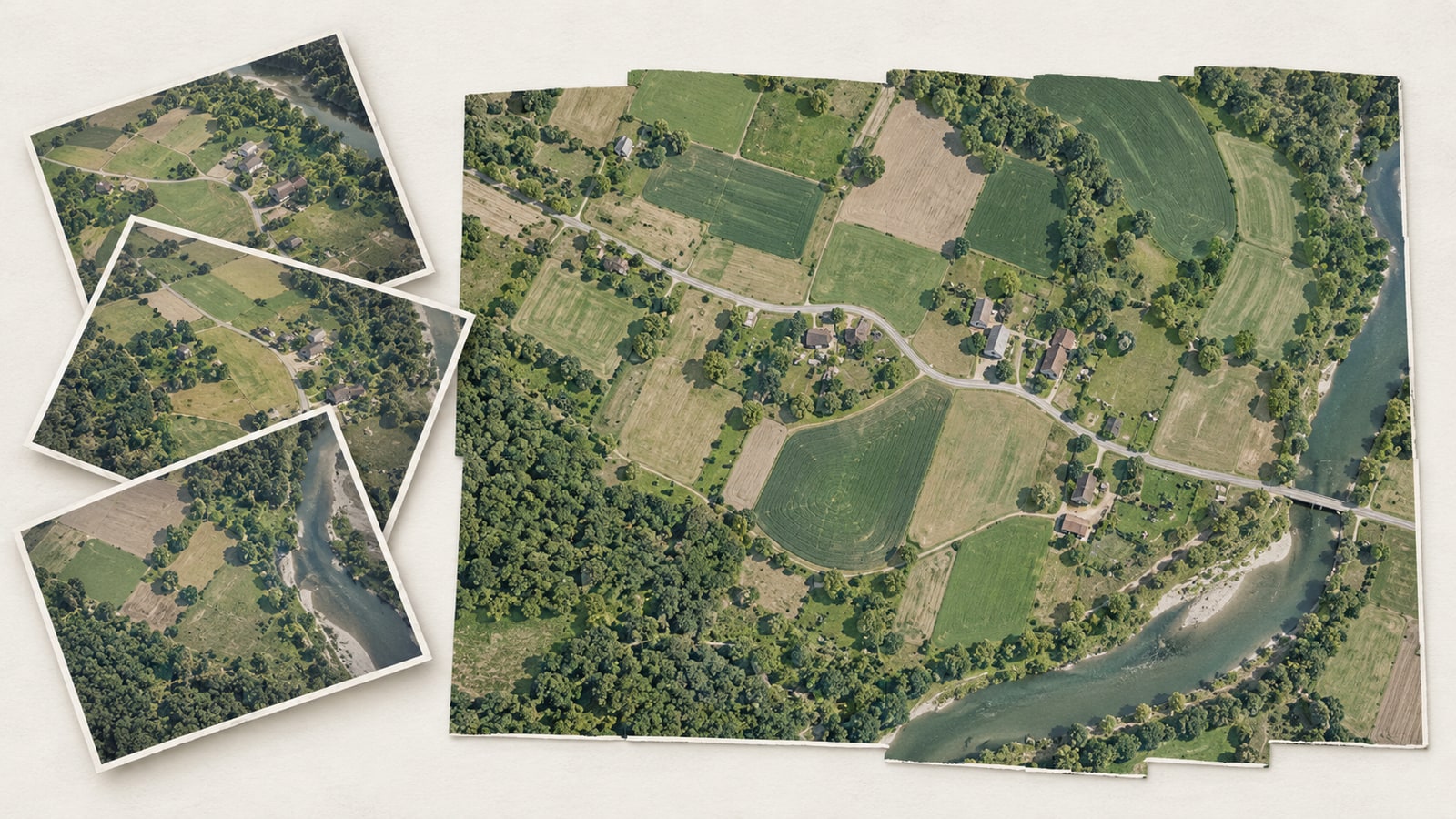
An orthomosaic combines geometrically corrected images into a map-like image of an area. It is different from a single perspective photograph or a visually stitched panorama. GeoTIFF describes how a raster and geographic information are stored; an orthomosaic describes the image product. A GeoTIFF can contain an orthomosaic, but the names are not interchangeable.
On this page
Why an aerial photograph is not automatically a map
In a camera image, distance, viewing angle and terrain affect where features appear and how large they look. Orthorectification uses information about the camera and surface to address those geometric effects. Combining the corrected views provides coverage across an area; simply joining overlapping photos does not establish reliable map geometry.
Orthophoto, orthomosaic and panorama
An orthophoto is a geometrically corrected image. An orthomosaic assembles corrected imagery into a combined product. A panorama can also join many photographs, but its smooth appearance alone says nothing about map projection or positional accuracy. Ask how the result was produced instead of deciding from a seamless-looking picture.
Why an orthomosaic may arrive as a GeoTIFF
The product and the container answer different questions. “Orthomosaic” identifies what the image represents; “GeoTIFF” identifies a TIFF-based way to store pixels with geographic metadata. Elevation rasters and other data can also be GeoTIFFs. Renaming a JPG to .tif neither corrects its geometry nor gives it trustworthy coordinates.
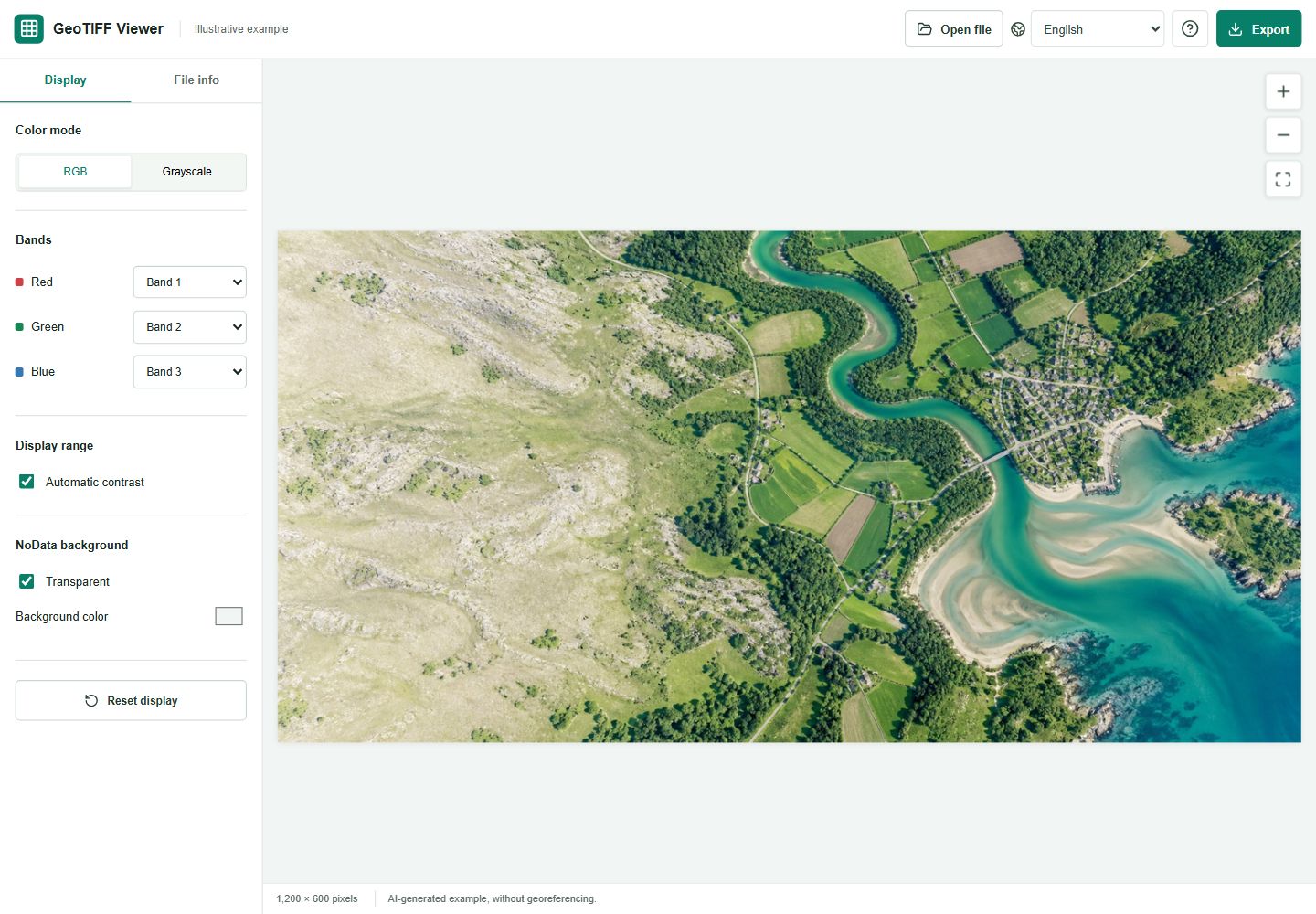
Sharp detail and correct position are separate
A crisp roof edge can still be in the wrong geographic position. Pixel spacing describes the image grid; it does not certify survey accuracy. A screenshot cannot reveal the project's control quality, independent check results or coordinate assumptions. Keep the producer's quality report with the original when positioning matters.
Read the delivery as a set of files
For a school campus example, you might receive a large TIFF, a small JPG and a report. Check which file is the original raster, what area and date it represents, and which coordinate system and units the report specifies. Treat the JPG as a communication copy unless the supplier documents a different purpose. Do not infer an accuracy claim from the filename.
Choose the next step from your question
If you only need to see a supported raster, open it locally in GeoTIFF Viewer and inspect the available metadata. Our existing delivery-preview guide explains that workflow. Use the producer's photogrammetry software for creating or repairing an orthomosaic, and an appropriate GIS project for measurements. This viewer neither generates orthomosaics nor validates their accuracy.
FAQ
Is every drone photo an orthomosaic?
No. A single photograph remains a camera view unless it has undergone the relevant geometric processing; an orthomosaic is a combined image product.
Does an orthomosaic have to be a GeoTIFF?
No. Product type and delivery format are different. Check the supplied format, geographic metadata and any companion files.
Is an orthomosaic a 3D model?
An ordinary ground orthomosaic is a two-dimensional image product. A surface model or point cloud is a separate deliverable, even when produced in the same project.
Will exporting a JPG preserve the geographic information?
This viewer exports a plain visual preview. Retain the original raster and its documentation for work that needs geographic information.
Technical references
Already have a raster file?
Open a supported TIFF locally to inspect its appearance and available metadata. Keep the source file for authoritative work.